Test Audio
Talk to your agent directly in the browser using your microphone. No phone number needed.Click Test on the agent builder, select the Test Audio tab, allow microphone access, and start speaking. The agent responds in real time just like it would on a live call. The transcript appears as the conversation progresses so you can see exactly what the agent heard and said.Use this to verify voice quality, interruption behaviour, and turn detection before testing on a real device.Test Chat
Type messages to your agent and see how it responds — no microphone or phone needed. This is the fastest way to check if your prompts, node flow, and conditions are working correctly.Click Test on the agent builder, select the Test Chat tab, and start typing. The agent replies instantly. Use this for a quick logic check before moving to voice testing.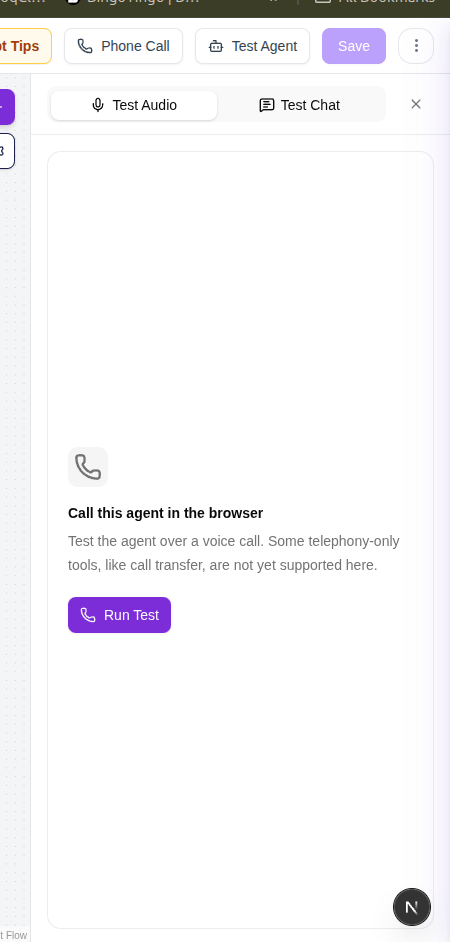
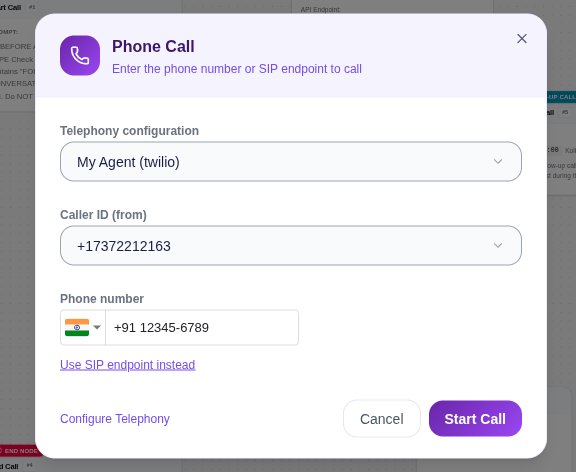
Phone Call Test
Send a real call to any phone number to test the agent exactly as a live caller would experience it.To use this, you need a telephony configuration set up in Integrations. Once a telephony provider is connected and a phone number is added, it will automatically appear here. Enter the number you want to call and click Call — the agent will dial out immediately.
Test calls use your connected telephony number and count as real calls. Make sure your telephony configuration is active before testing.