

Create Your Agent
Go to Agents in the sidebar and click New Agent.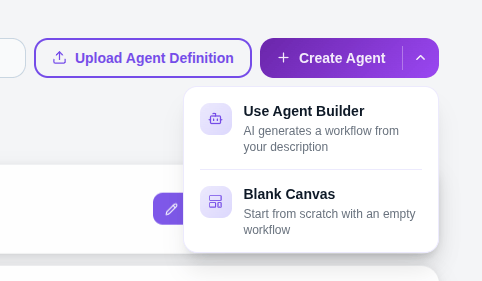
Agent Builder
Fill in the three fields below and your agent is ready on the canvas.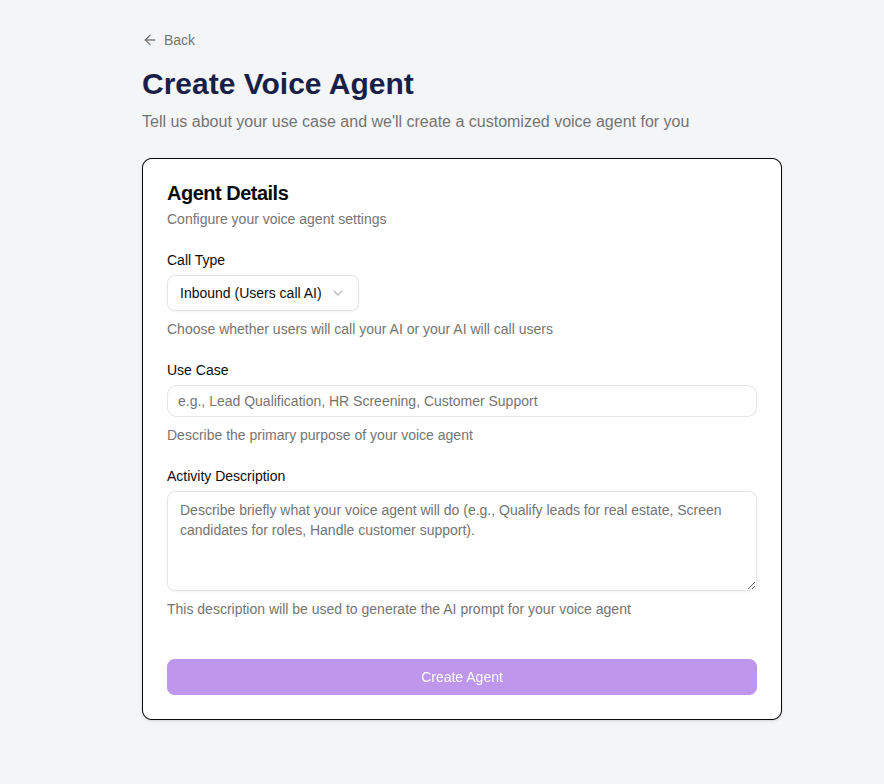
- Outbound — Agent makes calls to your customers
- Inbound — Agent receives and handles incoming calls
EMI Reminder Bot, Clinic Receptionist, Lead Qualifier — qualify new property inquiries and book site visits.
Prompt
This is the core of your agent — write clearly how it should talk and what it should do in different situations. The more specific you are, the better the agent performs. Example:
Editing Your Agent
Click on any node on the canvas to open its settings and make changes.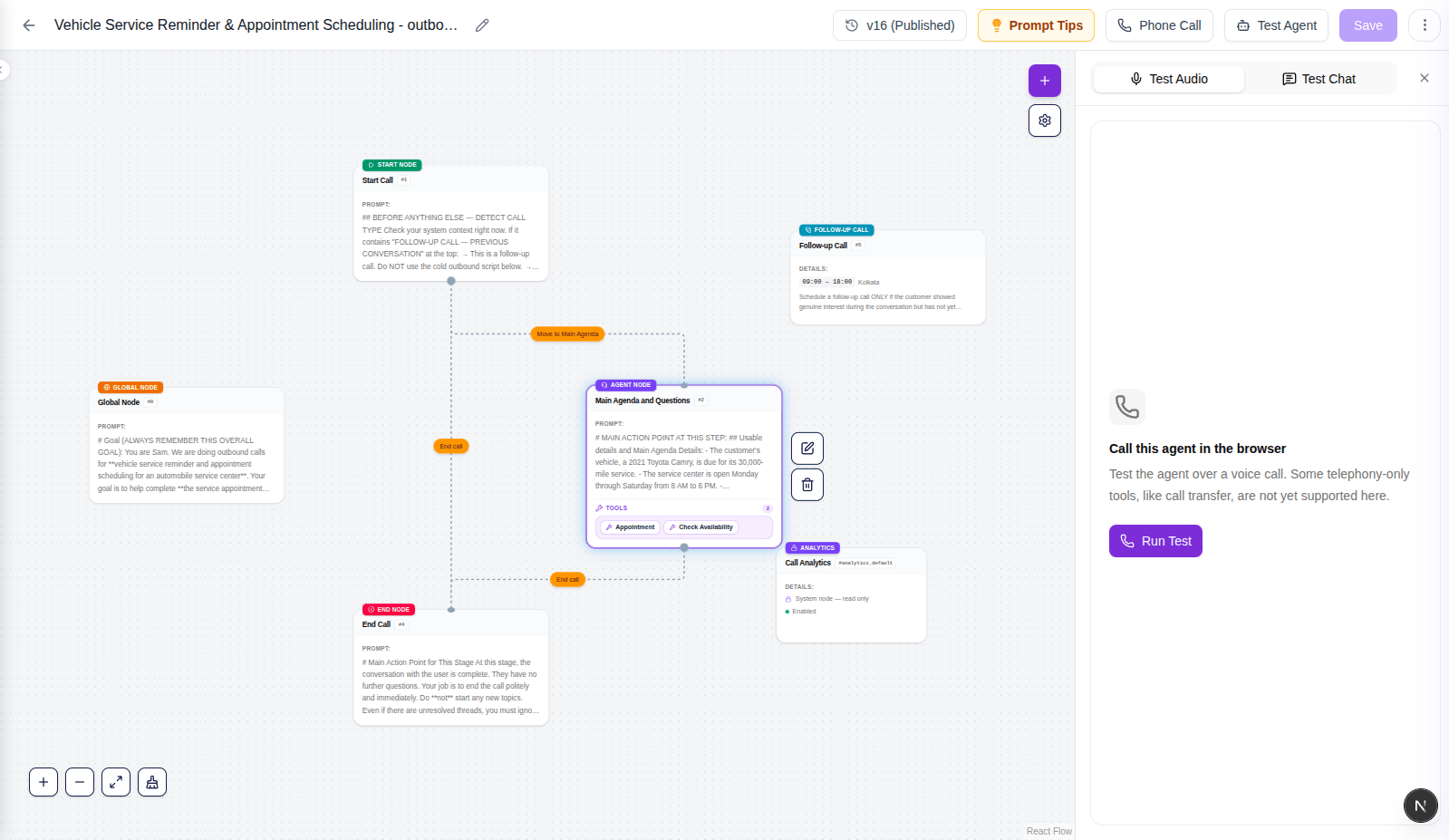
Tips
- The more detailed and specific your prompt, the more accurately the agent handles real conversations
- Always test with different scenarios — not just when everything goes smoothly
- Use variable extraction inside nodes to capture important information during the call, like names, amounts, or dates
- Break long conversations into multiple focused nodes rather than putting everything in one prompt