

What You See Here
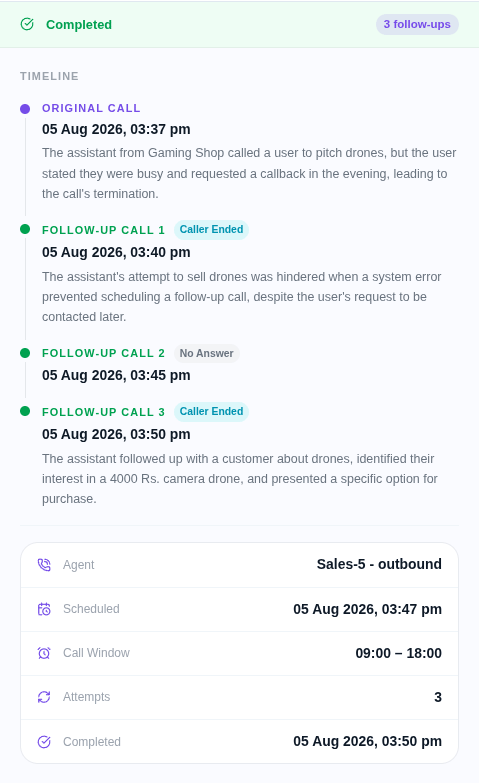
After every call, the Follow-up Node reads the transcript and decides whether to schedule a follow-up. All scheduled, completed, and failed follow-up calls appear here.Each row shows:
- Contact — the phone number that was called
- Agent — the agent that handled the original call
- Scheduled At — when the follow-up call is set to go out
- Status — whether the follow-up is pending, completed, or failed
- Attempt — which follow-up attempt this is (1st, 2nd, and so on)
How Follow-ups Work
- A call ends → the Follow-up Node reads the full transcript
- AI evaluates the transcript against the Follow-up Goal you defined in the node
- If a follow-up is needed → a call is scheduled within the Default Delay window
- The follow-up call goes through the same agent
- After the follow-up call ends, the process repeats until the Max Follow-up Calls limit is reached or the contact converts